Join a server and the skins you put on show up here. You can save them as a loadout.
Knife
Gloves
AK-47
AWP
Agent
See any CS2 skin the way it really looks: equipped in-game, on a live server, at full size and real lighting. Paste an inspect link or pick a server below, connect through Steam, and spawn holding the skin. Change the float, pattern seed, Doppler phase, StatTrak and stickers from chat to compare variants before you buy.
How it works
Click Connect - we reserve a slot for your SteamID.
Join the server and you spawn with the skin equipped.
Swap skins from chat or from any skin page.
What you can do in-game
Everything runs from the chat box. Type a command and the item updates on the spot.
Equip any finish by name
No link at hand? Type part of the name. Works for weapons, knives and gloves.
!skin ak redline!skin karambit doppler
Agents, music kits, charms
Everything that isn't a weapon finish: agents, music kits, charms, collectibles, single stickers.
!item swat!item awp music
Float and pattern seed
Put a Factory New next to a Battle-Scarred, or step through seeds one at a time.
!wear ft!wear 0.5!seed 661!seed +1
Doppler phases
Move between Phase 1-4, Ruby, Sapphire, Black Pearl and Emerald on the same knife.
!phase ruby!phase p4
Stickers and patches
Layer up to five stickers on the weapon in your hands, or patches on your agent.
!sticker kato titan holo!patch metal crab
StatTrak and name tags
Set the counter to any number and put a name tag on the item.
!st 1337!name custom!name clear
Graffiti on the walls
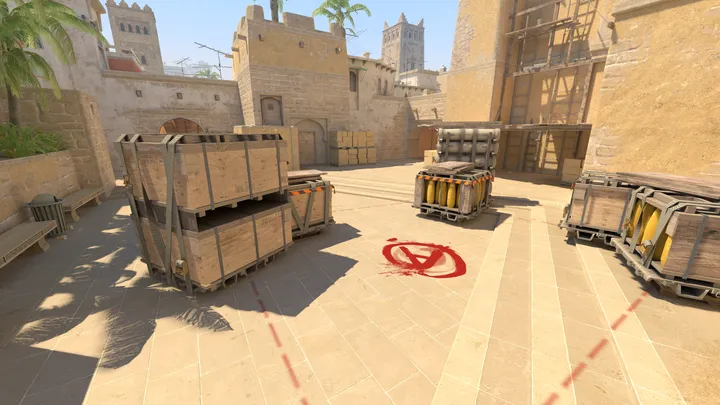
Tag the surface you're facing, pick a tint, and lay several designs side by side.
!spray boom!spray lambda 12
Third person and history
See your gloves, agent and stickers from outside, and flip back through what you already tested.
!tp!next
The room stays quiet
Other players are hidden by default, so nobody walks into your screenshot. Turn them on if you'd rather see them.
!players
Type !help on the server to list every command in chat.
Inspect server FAQ
What is a CS2 inspect server?
It's a live CS2 server we run that equips you with any skin the moment you spawn. Instead of the small inspect window, you walk the map holding the skin in first or third person, at real in-game lighting. Pick a server from the list or paste an inspect link and connect through Steam.
How do I view a CS2 skin in-game before buying it?
Copy the item's inspect link from the Steam market or an inventory, paste it into the box above, and connect to the server we reserve for you. You spawn with that exact skin equipped - same float, pattern and stickers - so you can judge how it really looks before spending anything.
Is it free? Do I need to own the skin?
It's free and you don't need to own the skin or have it in your inventory. Any valid inspect link works, so you can test skins you're thinking about buying, expensive knives you'll never own, or your own items. You only need a Steam account to connect.
How do I change the float, pattern seed or Doppler phase in-game?
Type commands in chat. !wear 0.20 sets the float, !seed 661 changes the pattern seed, and !phase ruby switches the Doppler or Gamma Doppler phase. !skin ak redline swaps the whole skin by name and !st toggles StatTrak. It's the fastest way to compare wears and patterns side by side without leaving the server.
Can I inspect knives, gloves, StatTrak, stickers and charms?
Yes. Every weapon finish, all knives and gloves, StatTrak counters, name tags, stickers and charms are applied. Agents and music kits work too, and you can send a full loadout - knife, gloves, primary and pistol - in one request. Use !tp for third person to see your agent, gloves and stickers from outside.
Where do I get a CS2 inspect link?
On the Steam Community Market, on any item in a Steam inventory, or on skin listings on third-party markets - look for the "Inspect in Game" button and copy its link. On SkinSniper every skin page has a "Try on server" button that sends the item straight to a server for you.
Is it safe? Can I get VAC banned for this?
You don't install anything and you don't modify your own game. The skin is applied by the server, the same way community skin servers have worked for years, so there's nothing on your PC for VAC to flag. You just connect to a normal CS2 server through Steam.
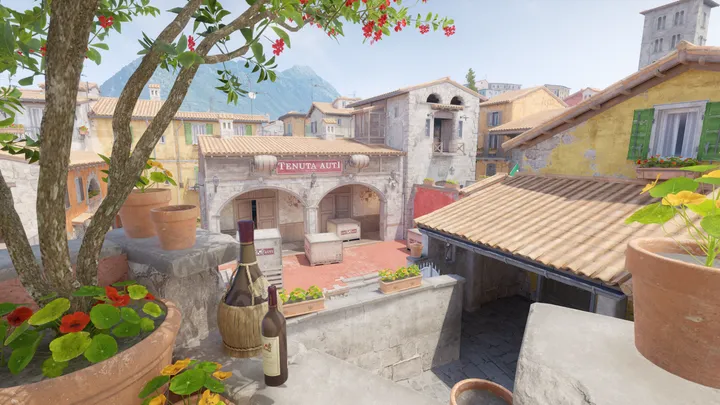 Inferno
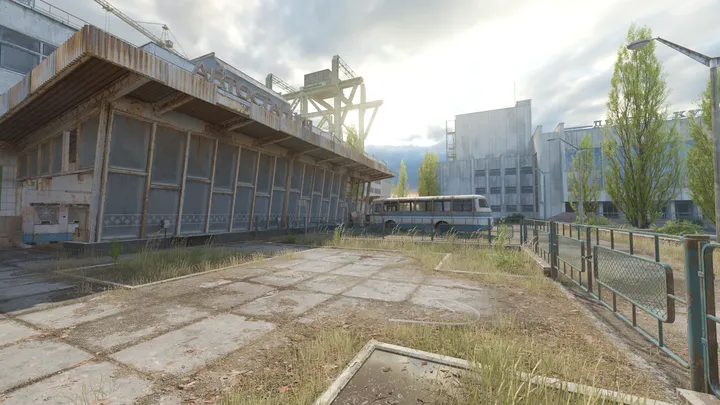 Cache
Cache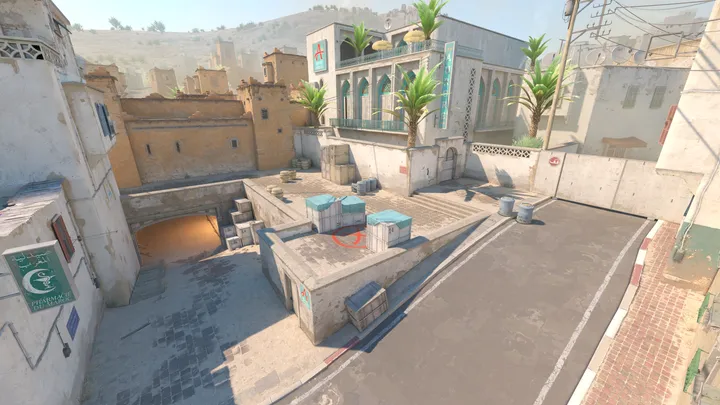 Dust II
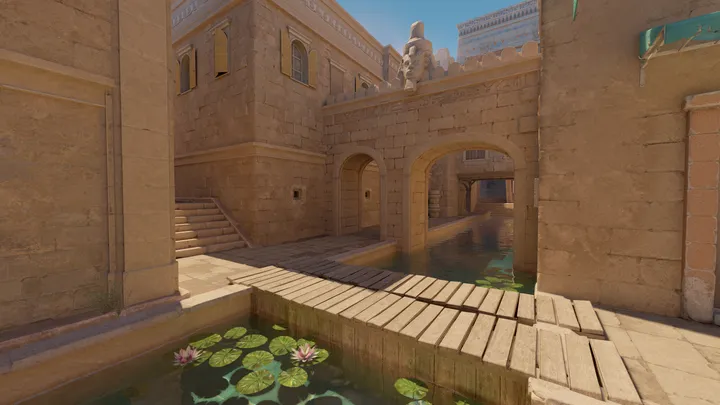 Anubis
 Mirage